 Docx Viewer: Word Editor Docx
Docx Viewer: Word Editor Docx
Docx Viewer: Word Editor Docx
All-in-one Word editor for Android — open, write, edit, and convert Word documents with AI-powered tools. Create new DOCX files, rewrite content, summarize text, and convert documents to PDF — all offline, free, and ad-free.
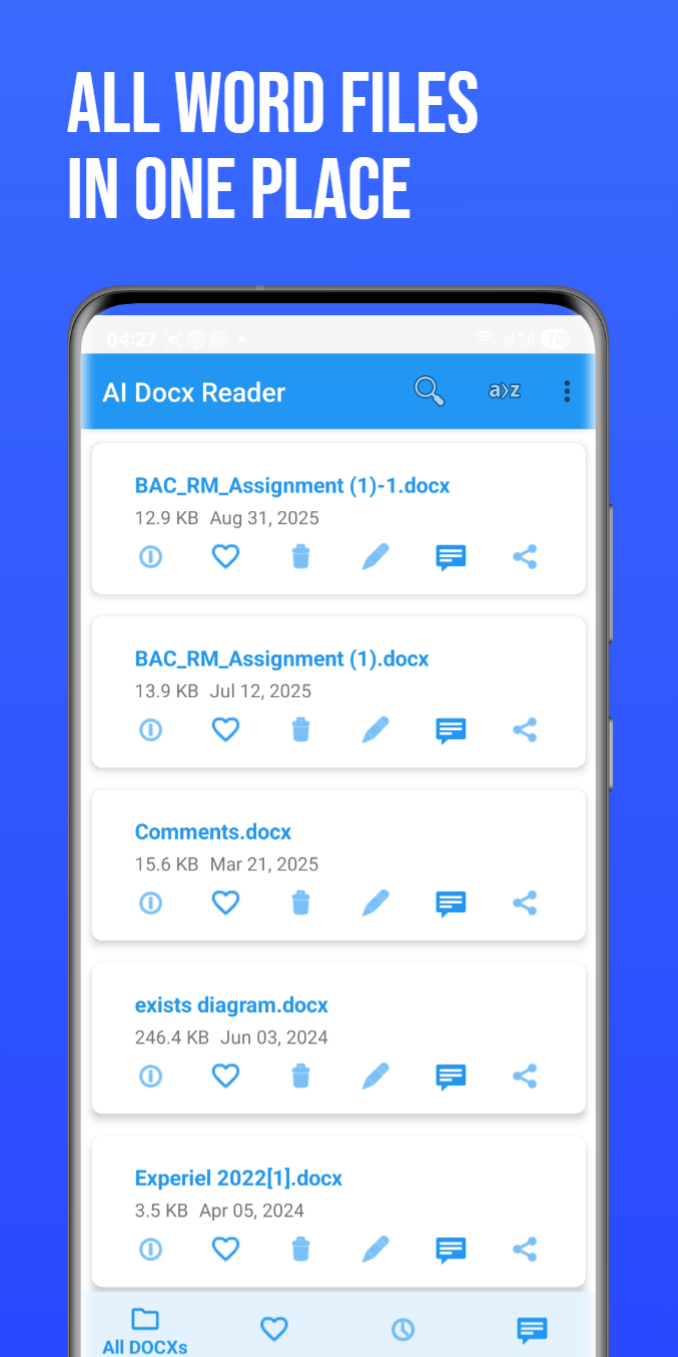
Create new Word documents or open existing DOC/DOCX files and edit them directly on your phone.
View DOC, DOCX, PDF, PPT/PPTX, XLS/XLSX, TXT — all in one app.
Summaries, rewriting, grammar improvement, chat with documents.
Instant DOCX → PDF conversion with clean formatting.
Everything is processed on your device — no uploads.
Small size, instant loading, smooth performance.
Create, edit, format, insert lists, headings, tables, etc.
Instant offline conversion.
Yes, fully free and ad-free.
Yes, you can create new DOCX files.
Yes, summarizing, rewriting, Q&A chat.
Yes — editing, viewing, and converting.
Yes — offline DOCX → PDF.
You can open DOCX files directly in this app without using any external Word program.
Online tools work, but this app does it faster and offline with no uploads.
Yes — full editing tools let you modify documents on your phone.
This app provides mobile editing, while desktop apps like Word offer advanced formatting.
Try opening in this viewer — lightweight editors often recover files that fail in larger apps.
You can download templates online and open them in this app immediately.
DOCX is lightweight, XML-based, and widely supported. DOC is older; PDF is fixed-layout.
Open them in a full editor like Word or merge PDFs after conversion.
It stands for Microsoft Word Open XML Document.
This app, Microsoft Word, Google Docs, WPS Office, and many others.
Word is the software; DOCX is the file format.
DOCX is already the modern Word format, but you can export to older DOC if needed.
AI features such as summarization, rewriting, and document chat require an internet connection. Selected document text is securely sent to third-party AI services (such as OpenAI) for processing.
We do not sell user data. AI processing is used only to provide requested features.